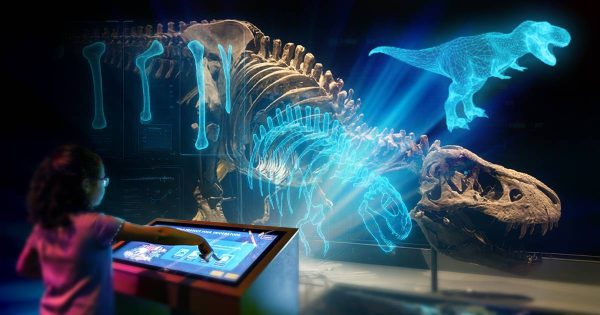
In our previous article, we explored the transformative potential of digital kiosks when designed with intuitive interfaces, gamification, and multi-sensory experiences. In this sequel, we delve deeper into advanced techniques and strategies to elevate kiosk interactivity. Whether for museums, trade shows, or other applications, these insights will help you captivate audiences and foster meaningful engagement.
6.Use Storytelling Elements
Narrative Journeys
Engaging narratives can transform kiosks into storytellers, connecting exhibits into cohesive, memorable experiences. Instead of isolated content, weave stories that span multiple kiosks to encourage deeper exploration. For example, a museum could guide visitors through the life of an artist, with each kiosk revealing a chapter of their journey, supplemented by interactive visuals like sketches, diary entries, or timelines that appear as users engage. In trade shows, a brand’s history could unfold with each kiosk highlighting milestones, accompanied by videos, testimonials, or product prototypes visitors can explore virtually. By incorporating these narrative layers, kiosks become immersive portals into compelling stories.
Adding interactive questions or debates within narratives enhances educational value. For instance, a kiosk could ask: “Was this invention a product of collaboration or competition?” Such prompts stimulate curiosity and critical thinking, deepening the audience’s engagement with the content.
Character Guides
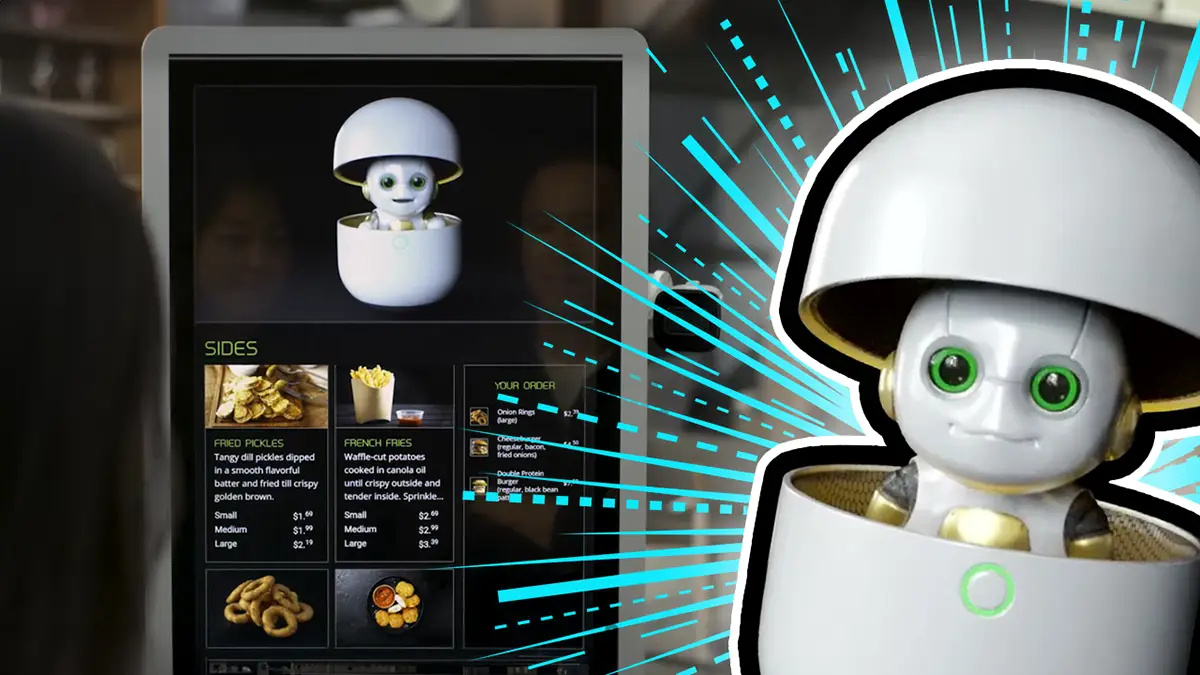
Characters, especially mascots, provide a friendly and engaging layer to kiosk interactions. For children, a cheerful character might guide them through exhibits, rewarding participation with virtual badges. To make characters more personable, they can use relatable metaphors and examples from their world to explain complex concepts in simple terms. For instance, imagine Ben Franklin leading visitors through a colonial history exhibit. As a known lover of chess, Franklin could use the game to explain strategic thinking during the Revolutionary War: “Planning a move in chess is like planning a battle—every piece has its role, just like every person had a part to play in achieving independence.” This approach not only makes the information accessible but also deeply engaging by anchoring it in the character’s personality and interests.
Characters can also serve branding purposes, creating continuity across a venue’s kiosks, signage, and digital platforms.
7. Encourage Collaborative Interactions
Multi-User Interfaces
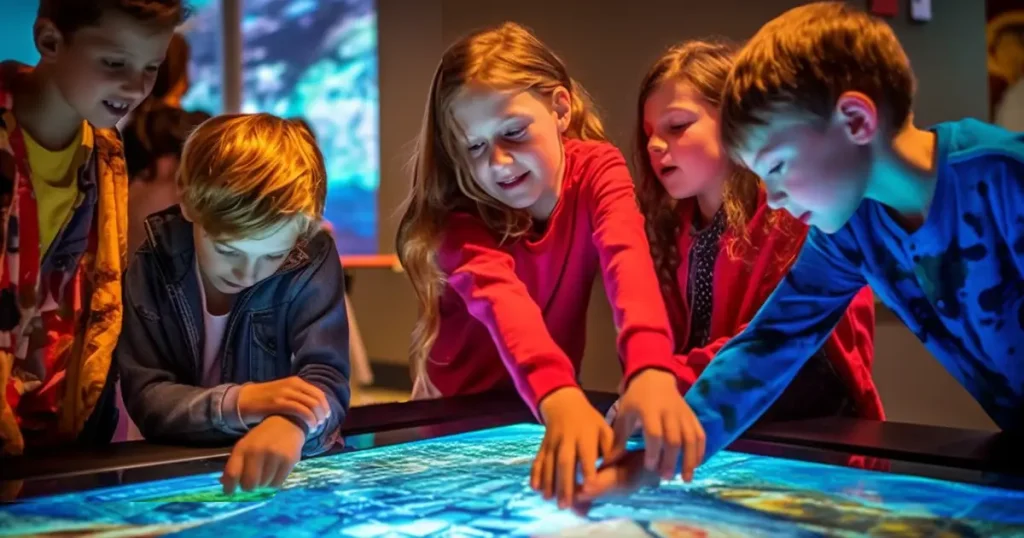
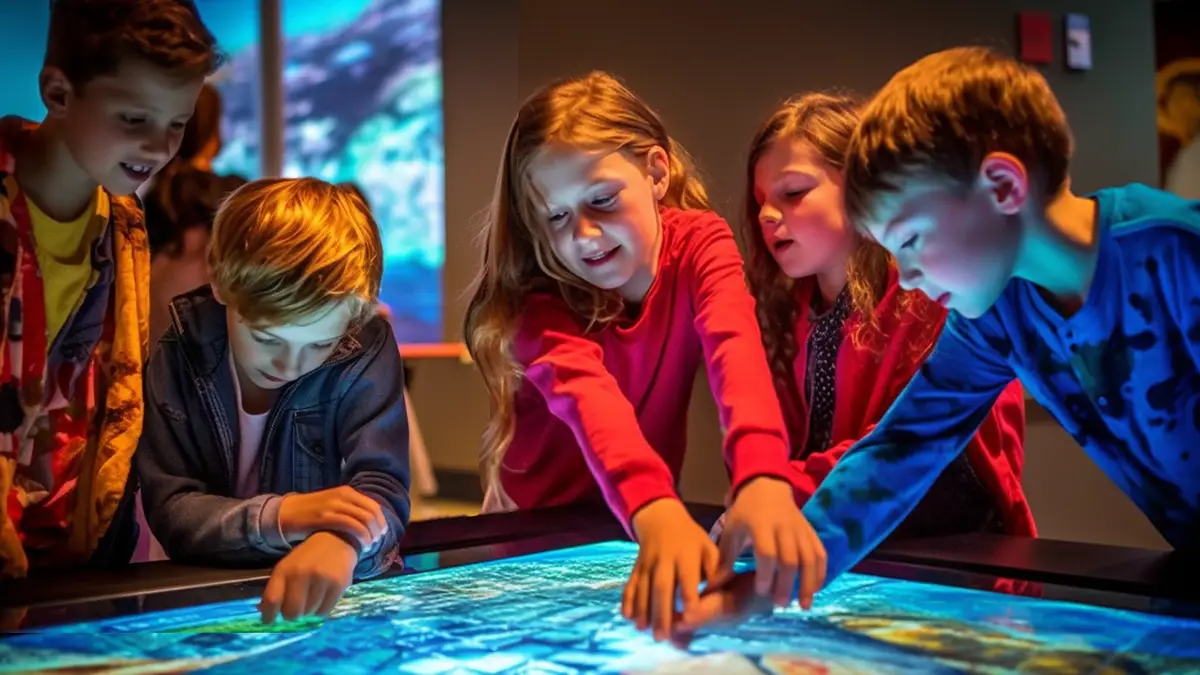
Designing kiosks to support multiple users simultaneously can turn individual and isolated interactions into shared collaborative or competitive experiences with more impact. Multi-touch screens can allow groups to solve puzzles, compete in trivia, or collaborate on digital art projects. For example, a museum kiosk could feature a collaborative trivia game where multiple participants answer questions about the exhibit’s subject, with correct answers earning points for their team. The questions could dynamically adapt to the team’s performance, keeping the game engaging for all skill levels. Alternatively, imagine a puzzle where visitors work together to complete a virtual archaeological dig, uncovering artifacts and learning facts about each item as they go. These activities not only foster collaboration but also make the kiosk experience more memorable and educational.
Surveys and Real-Time Data
Interactive polls and trivia questions provide dynamic engagement and instantaneous feedback while offering significant educational benefits. For example, a kiosk at a space exhibit could pose a question: “How far is Earth from the Sun?” After answering, visitors see their response compared to others—a feature that sparks curiosity and promotes a shared learning experience. These quizzes can challenge preconceptions, encourage deeper exploration of the exhibit, and facilitate discussions among groups.
Surveys can also provoke thought and encourage collaboration. For instance, a trade show kiosk might ask attendees: “What innovation will define the next decade?” As participants submit answers, the kiosk could display a live word cloud, highlighting popular ideas and sparking conversations. Such interactions not only educate but also promote active engagement with the content.
Furthermore, the data collected from polls and quizzes can offer invaluable insights for venues. By analyzing visitor responses, organizations can gauge their audience’s knowledge, interests, and misconceptions, allowing for the refinement of future exhibits and content. These analytics can reveal which topics resonate most, guiding the development of targeted educational programs and enhanced visitor experiences.
Collaborative Art Kiosks
Interactive art kiosks are crowd favorites. Guests can draw designs, sign their names, or select symbols, which are then added to a larger digital mosaic or animated display. These experiences offer a continuous flow of engagement and consumable content, making for a high value investment for a small footprint exhibit. For example, a nature exhibit could allow visitors to “plant” virtual flowers, contributing to a growing digital garden visible throughout the venue. Workinman’s own SketchTank platform offers customization that allows for virtually any collaborative art theme and digital kiosk input.
Collaborative experiences like this do not need to be limited to visual arts; the written word can easily offer a wealth of engaging content and discussion prompts. For example, kiosks might ask, “Where were you when the shuttle Challenger exploded?” Visitors could type or select their responses, which would then be displayed in a collective word cloud or timeline, showcasing diverse perspectives and memories. This approach fosters a deeper connection to the event while encouraging reflection and conversation among participants. Additionally, such kiosks could include follow-up questions that link personal experiences to broader themes, such as resilience or the progression of space exploration, enhancing the educational impact of the interaction.
8. Turn Kiosks into Check-In Stations for Venue-Wide Experiences
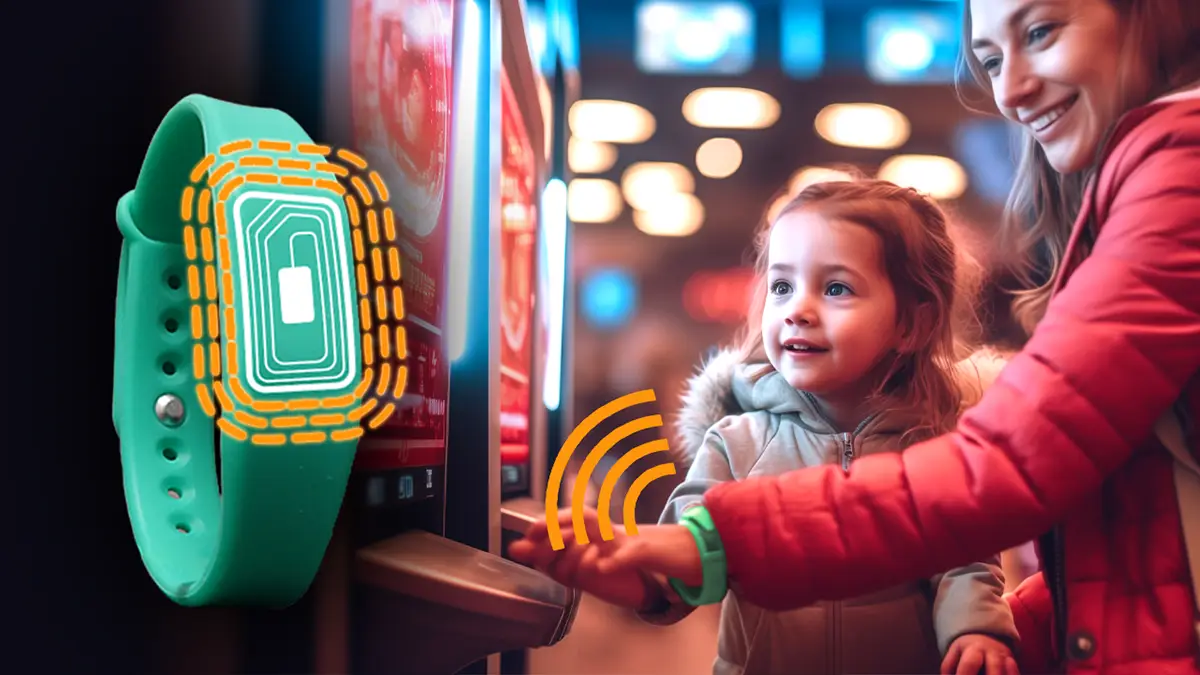
Gamifying an entire venue through kiosks can significantly enhance engagement and optimize traffic flow. By using tools like RFID bracelets, QR codes, or user IDs, visitors can easily “check in” at kiosks, creating a seamless and interactive experience throughout the venue. A visitor might complete a quiz or watch a short video at one kiosk to unlock access to new content, such as a bit of trivia, behind the scenes video, or other digital reward.
This system encourages deeper exploration of the venue as guests track their progress and work toward completing all available kiosks. A leaderboard feature can add a competitive element, motivating groups to fully engage with every station. Additionally, gamified check-ins can integrate storytelling elements—each completed activity could reveal a piece of a larger narrative, drawing visitors into a cohesive and memorable journey.
Reward systems, such as collectible digital badges, discounts for gift shop purchases, or physical prizes like themed merchandise, provide further motivation and can direct visitors to goals set by the venue. For example, a museum could offer a small token for visitors who check in at all kiosks, obtained at the museum’s gift shop, reinforcing the value of exploring the entire exhibit and giving them another reason to stop at the shop.
Moreover, check-in data offers invaluable insights for venues, helping identify visitor flow patterns, popular exhibits, and areas that may need enhancement. This feedback allows organizations to optimize layouts, design future content, and improve overall visitor satisfaction. For guests, this system provides an engaging and structured way to explore, while for venues, it delivers actionable analytics and opportunities to foster repeat visits.
9. Provide Social Media and Take-Home Opportunities
Take-Home Content
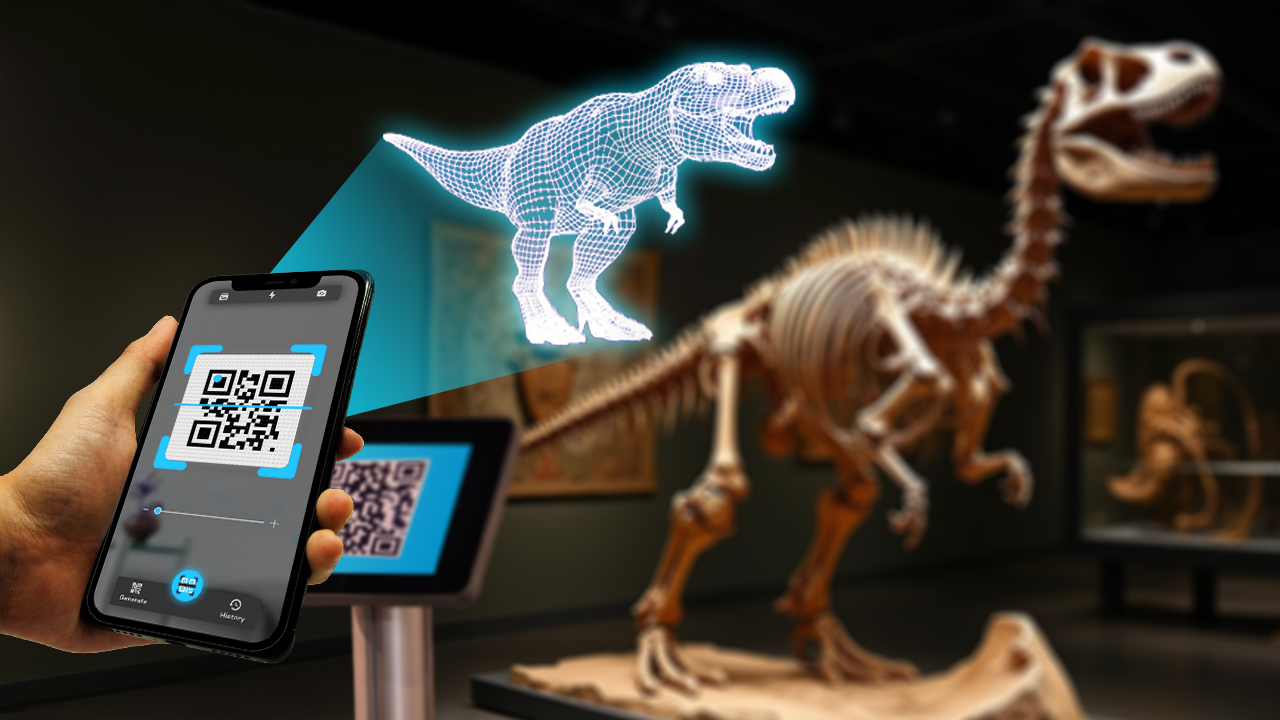
QR codes on kiosk pages can allow visitors to access web snippets of the information, photos, and media on their personal devices. This portable content can include pages of kiosk content, bonus facts, links to related resources, or personalized summaries of their visit, enabling them to continue learning or exploring at their own pace. For example, a museum kiosk might offer downloadable guides with additional facts about exhibits, links to related documentaries, or even interactive 3D models of artifacts that visitors can explore at home. Families could use these resources for educational activities, sparking curiosity in children long after their visit.
At a corporate trade show, kiosks could provide brochures, technical whitepapers, or promotional videos, accessible through QR codes. These resources ensure attendees have detailed information about products and services even after leaving the event, increasing the likelihood of follow-up engagement. Furthermore, these web platforms can be designed to capture visitor data, such as email addresses or survey responses, enabling remarketing efforts and personalized outreach to attendees for future promotions or updates.
Easy Sharing and Selfie Facts
Leverage visitors’ love for photography by integrating kiosks into the experience. QR codes on kiosks can trigger a web-based camera on guests’ phones. It can be themed to a brand or exhibit space and contain canned backgrounds, stickers, and messaging, tying the photo into the theme of the space and offering new experiences for each kiosk.
For example, guests visiting the National Women’s Hall of Fame can scan the kiosk-generated QR code in front of the Susan B. Anthony statue. It launches a camera app in their web browser. From there, they can select one of her quotes, apply sunflower (a 19th-century symbol of the suffrage movement) stickers to the scene, and even attach a historical fact such as, “In 1872, Susan B. Anthony was arrested for trying to cast a ballot in the presidential election.” Within seconds, an informative and impactful selfie and memory is created and ready to share.
This strategy combines education with brand promotion, extending the kiosk’s impact beyond the venue while encouraging meaningful online discussions and awareness.
Kiosks can also encourage meaningful discussions by prompting visitors to share fun facts or insights. For instance, a science exhibit could display a fascinating fact like “Did you know? Venus has the longest day of any planet in our solar system,” accompanied by a hashtag encouraging visitors to post their thoughts or share additional facts.
Guests will take photos and selfies anyways, so kiosks that prompt and provide content direction have great potential to further learning and your message.
10. Do Not Ignore Accessibility
Inclusive Design
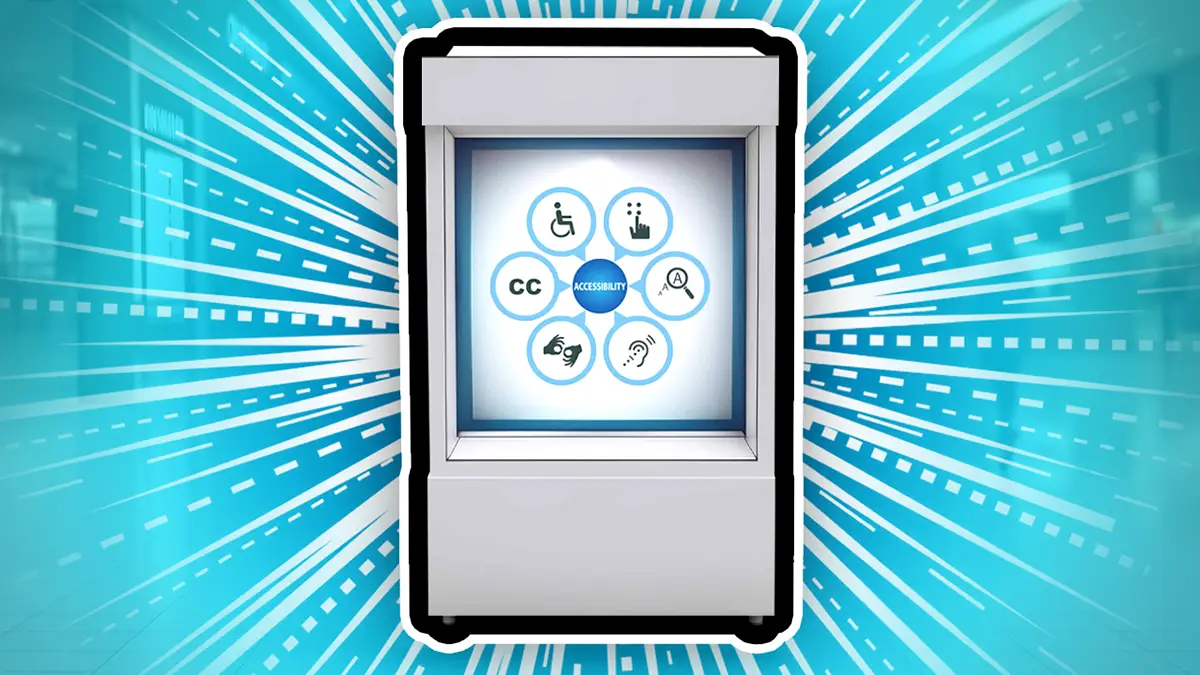
Accessibility should be integral to kiosk software, both to meet ADA guidelines and to ensure an inclusive experience for all visitors. Thoughtfully designed accessibility features improve usability, expand the audience base, and reflect a commitment to equity. Some essential features include:
- Adjustable Font Sizes and Contrast: Allow users to customize text size and contrast levels to suit their visual needs, ensuring readability for those with low vision or other impairments.
- Condensed User Interface: Enable the UI to condense to the bottom half of a large or standing display for individuals with limited reach, such as wheelchair users.
- Physical Buttons: Provide tactile buttons for users who may find touchscreens challenging due to dexterity issues or sensory impairments.
- Screen-Reader Compatibility and Narration: Include screen readers or audio narration to assist individuals with visual or literacy difficulties.
- Video Captions and Audio Descriptions: Ensure all multimedia content is accessible by offering captions for videos and descriptive audio for visual elements.
- Color Blind Modes: Provide color-blind-friendly modes, especially when color is essential to understanding the curriculum or navigation.
By implementing these features, kiosks can meet ADA standards, support diverse user needs, and foster a more welcoming environment. Accessibility is not just a requirement but a means to enhance overall user satisfaction and broaden audience engagement.
Localization
Offering content in multiple languages is a simple yet effective way to broaden accessibility. Seamless language switching during interactions ensures that kiosks cater to diverse audiences, fostering a welcoming environment for international and multilingual visitors.
The Chinese poet Wang Zhihuan wrote, “欲穷千里目,更上一层楼” (“Those who want to see the furthest, must climb another floor”). This serves as an apt allegory for localization—taking the simple and cost-effective step of localizing materials vastly increases their reach and impact. While many locations may not initially see enough foreign language traffic to justify localization efforts, the absence of localized materials is often the root cause.
ESL visitors may manage with an English-only experience, but they are unlikely to fully understand, enjoy, and retain the information provided. Localized kiosks ensure all guests can engage meaningfully with the content, improving satisfaction and learning outcomes.
Additionally, localized information on kiosks offers a flexible solution to cater to international and domestic foreign language guests without the expense of redesigning physical signage. For instance, the National Museum of Ethnology in Suita, Japan, uses strategically placed digital kiosks to provide translations of exhibit labels and supplementary information in multiple languages, accommodating non-Japanese-speaking visitors efficiently.
Localization is straightforward to implement in software, and seamless language switching during interactions further enhances the user experience. Localization can also be made external vis the use of QR codes that allow visitors to load up localized kiosk content on their personal devices, and take it with them as they explore. By addressing diverse linguistic needs, kiosks foster inclusivity and create a welcoming environment for all visitors.
Transforming Kiosks Into Experiences
By incorporating these advanced strategies, digital kiosks can transcend their traditional roles, becoming immersive tools for storytelling, collaboration, and discovery. Whether used in museums, trade shows, or public spaces, these ideas will help your kiosks stand out, engage visitors, and leave a lasting impression.
At Workinman Interactive, we specialize in crafting engaging kiosk experiences tailored to your needs. From interactive storytelling to multi-user interfaces, our team is here to bring your vision to life. Contact us today to explore how we can help transform your kiosks into unforgettable digital experiences.