This is the third installment in our series on designing engaging digital kiosks. Now, we want to challenge traditional expectations and explore ways to break the mold—creating kiosks that don’t just inform, but immerse, inspire, and reshape how visitors interact with exhibits, museums, amusement parks, and beyond.
Tip 11: Include Dynamic Maps
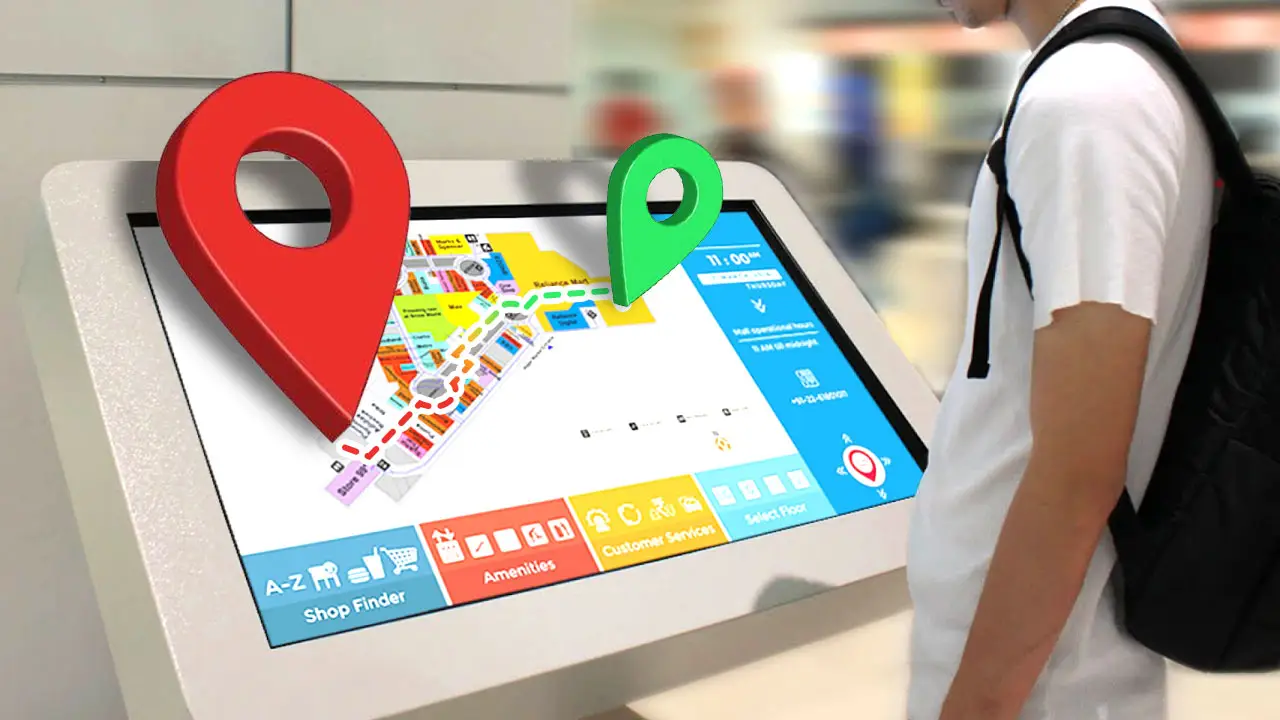
For venues with multiple kiosks spread throughout a location—such as museums, amusement parks, historic sites, and shopping centers—integrating a digital map is essential. Paper maps are becoming a relic of the past, while dynamic digital maps offer a range of advantages that enhance visitor experience and improve the flow of traffic, and frankly are how the vast majority of people wayfind in the digital age.
- Navigation & Wayfinding: Every kiosk should feature a map to help visitors orient themselves and navigate the space. This reduces confusion and eliminates the need for printed maps. Even if a kiosk’s primary purpose isn’t digital mapping, it should still be able to bring up a map so guests recognize kiosks as reliable wayfinding points. Additionally, maps can be enhanced to guide the flow of traffic by recommending where visitors should go next based on their interests, exhibit popularity, or real-time crowd density.
- Real-Time Updates: Digital maps can be updated in real-time to show exhibit closures, detours, queue times, and special events. Venues can automate map adjustments based on time of day, highlighting open areas while dimming closed sections.
- Traffic Flow Management: Cost-effective sensors can be embedded in kiosk housings to collect foot traffic data. This information can be displayed on maps to help visitors avoid congested areas and improve guest distribution throughout the venue.
- Mobile Integration: Visitors can scan a QR code to send directions to their smartphones, ensuring accessibility beyond the kiosk itself.
Dynamic maps are more than a convenience—they improve visitor flow, enhance engagement, and provide management teams with valuable data for operational efficiency. They also provide a central way of delivering up-to-date map data without the hassle of printing paper maps and constantly refreshing stock, saving time and resources while ensuring accuracy.
Tip 12: Use HTML for Flexibility & Cost Savings
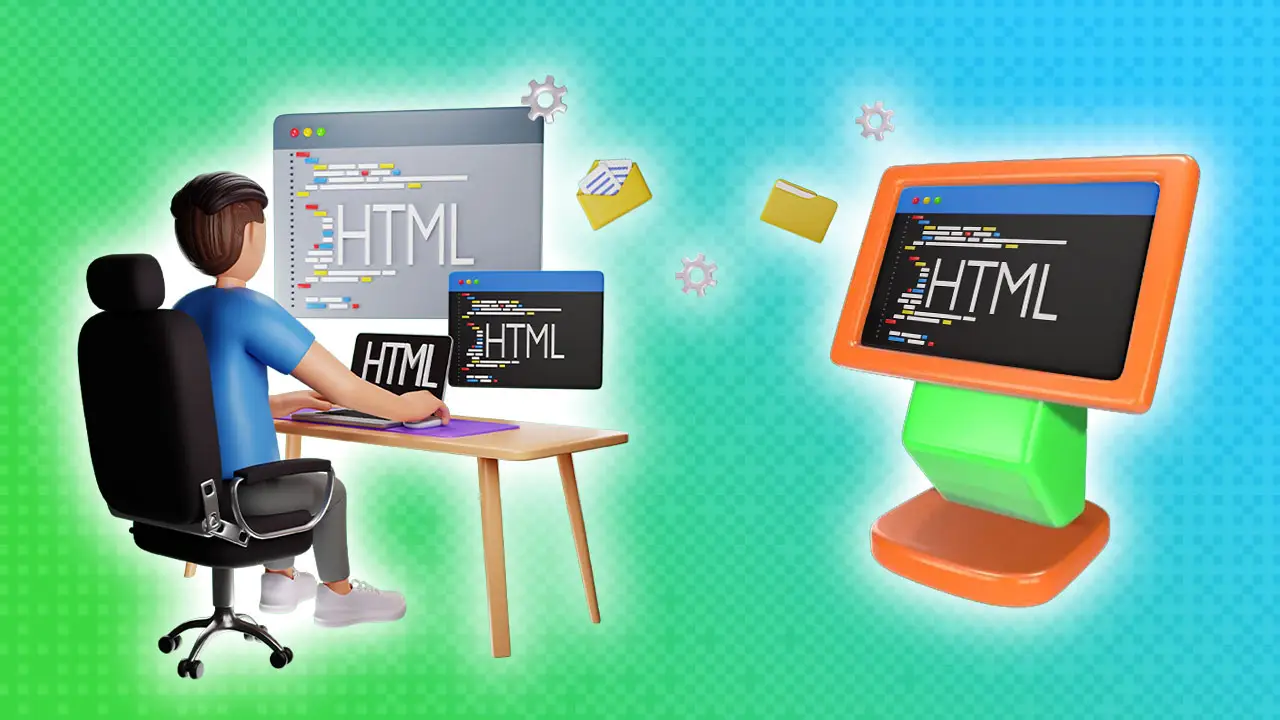 Many kiosk software solutions, like Multitaction, Esper, and Optisigns, come with limitations—expensive subscription fees, content lock-in, and limited customization. But there’s a perfect alternative: HTML–the same thing that drives your website.
- Universal Compatibility: HTML5 works on virtually any device, from tablets to PCs, even smart TVs and VR headsets, and it’s virtually guaranteed to last for years to come.
- Offline Accessibility: HTML-based kiosks can store content locally or on the local area network, ensuring full functionality without an internet connection.
- Web Integration: Kiosk content can be mirrored online on your website, allowing guests to revisit exhibit information from home and share it with their friends.
- Lightweight & Cost-Effective: HTML experiences can run on affordable hardware and existing web hosting, minimizing costs.
- Powerful Customization: From interactive 3D models to games, multimedia playback, and AI-driven content, HTML unlocks limitless interactive possibilities beyond traditional kiosk software constraints. If you can dream it, we can do it in HTML.
By choosing HTML, venues gain long-term flexibility, lower costs, and the ability to create cutting-edge digital experiences.
Tip 13: Let People Ask Kiosks Questions

Visitors no longer want to sift through pages of text—they expect instant, tailored responses. With the rise of AI and real-time information access, people have grown accustomed to receiving immediate answers to their inquiries. Kiosks can meet this demand with interactive inquiry systems that provide instant, relevant, and engaging responses. Whether through AI-driven chatbots, live assistance, or interactive FAQs, these systems allow visitors to ask specific questions and get precise answers without having to navigate dense informational pages. This not only improves engagement but also enhances the overall visitor experience by making information accessible in a natural, intuitive way.
- AI Chatbots: Advanced AI models can be trained on institution-specific knowledge, providing visitors with instant, natural-language responses. These chatbots can be designed to answer frequently asked questions, guide users through interactive experiences, and even provide multimedia responses such as images, audio, and video explanations. They can work in multiple languages, ensuring accessibility for a diverse audience. AI chatbots can also analyze visitor inquiries to provide insights into common questions and interests, helping institutions refine their exhibits and improve overall visitor engagement. When installed locally, AI chatbots can function offline, offering reliable information without the need for constant internet access. By continuously learning from user interactions, these systems evolve over time, becoming even more effective at providing relevant and engaging responses.
- Scripted Chatbots: A lower-cost alternative, these chatbots use predefined responses to guide visitors through a structured Q&A process. They offer a reliable, easily maintainable solution that ensures consistent, on-topic answers. With thoughtful design, they can include branching dialogue, allowing guests to receive relevant information without requiring AI-level processing. They are an excellent choice for budget-conscious venues that want to provide an interactive, self-service inquiry system without the complexity of AI.
- Live Human Assistance: Staff can engage visitors remotely via chat platforms like WhatsApp, Zendesk, or Rocket Chat, offering expert insights in real time. This feature is especially valuable in museums, trade shows, or historic sites where curators, tour guides, or sales representatives can provide detailed context and personalized assistance. Additionally, hybrid systems can be implemented, where AI-driven responses handle basic inquiries and escalate complex questions to a live expert when needed, ensuring an efficient and cost-effective solution.
- Interactive FAQs: A well-structured FAQ (Frequently Asked Questions) system can significantly enhance accessibility and engagement. These systems allow visitors to quickly find answers to common questions without the need for human assistance. When integrated with keyword search functionality, FAQs can offer a fast and efficient way for users to navigate through information. Additionally, interactive elements such as collapsible categories, video explanations, and links to related content can make the experience more engaging and intuitive. Well-maintained FAQs not only reduce staff workload but also ensure visitors receive accurate, easily digestible information at their convenience.
Investing in an inquiry-based system not only improves guest experience but also reduces staff workload and captures valuable visitor data.
Tip 14: Use Physical Buttons, Switches, and Doodads

Touchscreens are everywhere, and people are accustomed to swiping on their phones all day. In immersive environments like museums, kiosks need to offer something beyond the ordinary to stand out against physical artifacts. By mixing digital elements with tangible, interactive components, kiosks can create a more engaging and memorable experience. Physical controls like buttons, levers, and dials add an extra layer of interactivity that captures attention and provides a refreshing alternative to the ubiquitous touchscreen.
- Tactile Controls: Knobs, switches, levers, and cranks allow visitors to engage in hands-on interactions. These can be off-the-shelf modern physical interfaces, antiques or replicas, or even newly designed and 3D-printed interfaces, offering a wide range of possibilities to enhance user interaction and engagement.
- Historical Simulations: Imagine flipping real spacecraft switches on a kiosk displaying a space simulation, with on-screen prompts guiding users through the ignition sequence and explaining each control’s function. Or consider a historic printing press simulation where visitors arrange letter blocks on a digital screen, then physically turn a crank to ‘print’ their creation on a hidden modern printer. These interactive setups offer an engaging way for guests to experience complex, large, or delicate historical machinery firsthand. By combining digital interactivity with real-world mechanical actions, historical simulations provide an educational and immersive experience that makes history come to life.
- Guided Exploration: Illuminated buttons can help with navigation, trivia questions, or resetting an interactive experience. These buttons can also be designed to provide contextual guidance, highlighting relevant sections of the exhibit as visitors progress. Multi-colored or dynamically lit buttons can be used to signal different actions, such as progressing to the next section, uncovering hidden details, or triggering animations and events on the digital screen. This tactile feedback helps guide visitors naturally through the experience without requiring them to rely solely on on-screen instructions, making kiosks more intuitive and user-friendly for all ages.
Physical elements create unique interactions that go beyond the standard touchscreen experience, making kiosks more engaging and educational. They also provide a video-game-like appeal that is both approachable and fun, making interactions feel more intuitive and rewarding. By blending digital and physical interfaces, kiosks can tap into the excitement of interactive play, encouraging visitors to engage longer and more meaningfully with exhibits.
Tip 15: Allow Guests to Inspect in More Detail
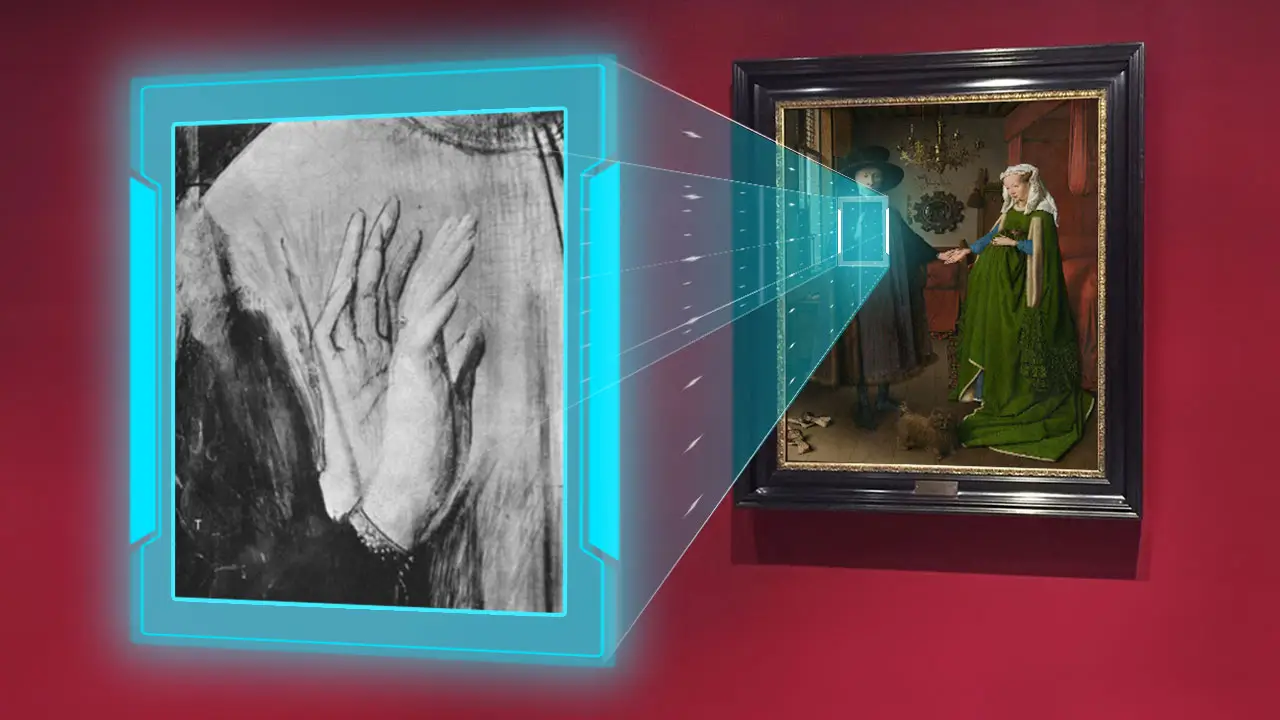
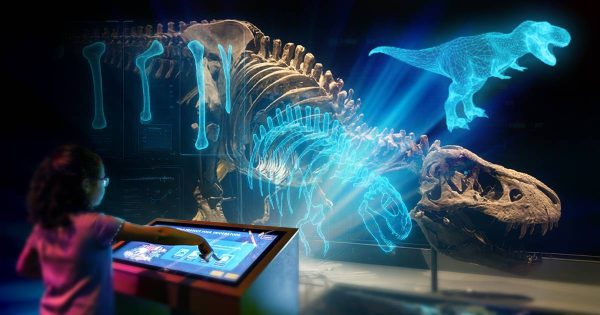
Many museum-goers wish they could get closer to exhibits, but security barriers, glass cases, and preservation concerns often make this impossible. Naturally, people want to examine details up close, see the textures of paintings, or view the back of a sculpture, but are restricted by physical limitations. Digital kiosks can bridge this gap by providing interactive inspection tools that allow visitors to explore exhibits in unprecedented ways. Museums can offer digital paintings with magnification tools to zoom in on fine details, provide time-based views that show an artwork’s evolution, or even offer infrared and X-ray scans that reveal hidden layers beneath the surface. Interactive kiosks can also allow visitors to inspect 3D models of artifacts, rotating them to see every angle and understand their construction. By enhancing engagement and accessibility, these tools help guests connect more deeply with exhibits while preserving the integrity of priceless artifacts.
- High-Resolution Magnification: Visitors can zoom into artwork to examine brushstrokes and textures.
- Time-Based Views: See a painting’s original layers before restoration or view historic landmarks as they evolved over centuries.
- 3D Object Manipulation: Rotate and inspect sculptures, ancient artifacts, or even delicate textiles from every angle.
- Contextual Insights: Highlight elements of an artwork, explaining symbolism, historical background, or artistic techniques.
- Context outside of the artwork: Kiosks can also introduce guests to the broader context of the creator, their time period, and their work and life situation. What did Da Vinci’s workshop look like when he painted this? What tools did he use, and what would his palette have looked like? How old was he at the time, and what would he have looked like? By providing these insights, kiosks help visitors develop a richer understanding of the artist’s process, the historical conditions of their work, and the creative environment that shaped the masterpiece.
By offering these interactive inspection tools, kiosks enhance learning, appreciation, and engagement—allowing visitors to experience exhibits in new and powerful ways.
Create Unforgettable Experiences With Workinman
Digital kiosks should do more than provide information—they should immerse, engage, and inspire. At Workinman Interactive, we specialize in pushing the boundaries of interactive experiences, combining innovative technology with creative storytelling to turn traditional exhibits into dynamic, memorable attractions.
Whether it’s integrating real-time maps, leveraging the power of HTML, creating interactive chat systems, incorporating physical controls, or enabling detailed artifact exploration, our team of developers and designers craft experiences that captivate and educate.
Want to bring your exhibits to life with cutting-edge digital experiences? Contact Workinman Interactive today and let’s build something unforgettable.
Check out Part 1 | Check out Part 2 | Learn More About Our Exhibit Services